
Codester demo · Business software
ContentBase — Website CMS and Backend
A ready website CMS on your own server — pages, posts, a media library, and user accounts behind one clean admin panel, with no monthly fee.
Boot test, stated plainly
The starter program that ships in the package was booted end to end during packaging and driven through its real first-run flow: the production build compiled clean, the site and admin answered, and the first admin account was created on the real create-first-user screen. The run used the packaging sandbox's container equivalents for the compose steps and a later patch release of the same database line (the pinned database image refuses the sandbox's kernel) — on a normal Docker host the shipped compose file runs as written.
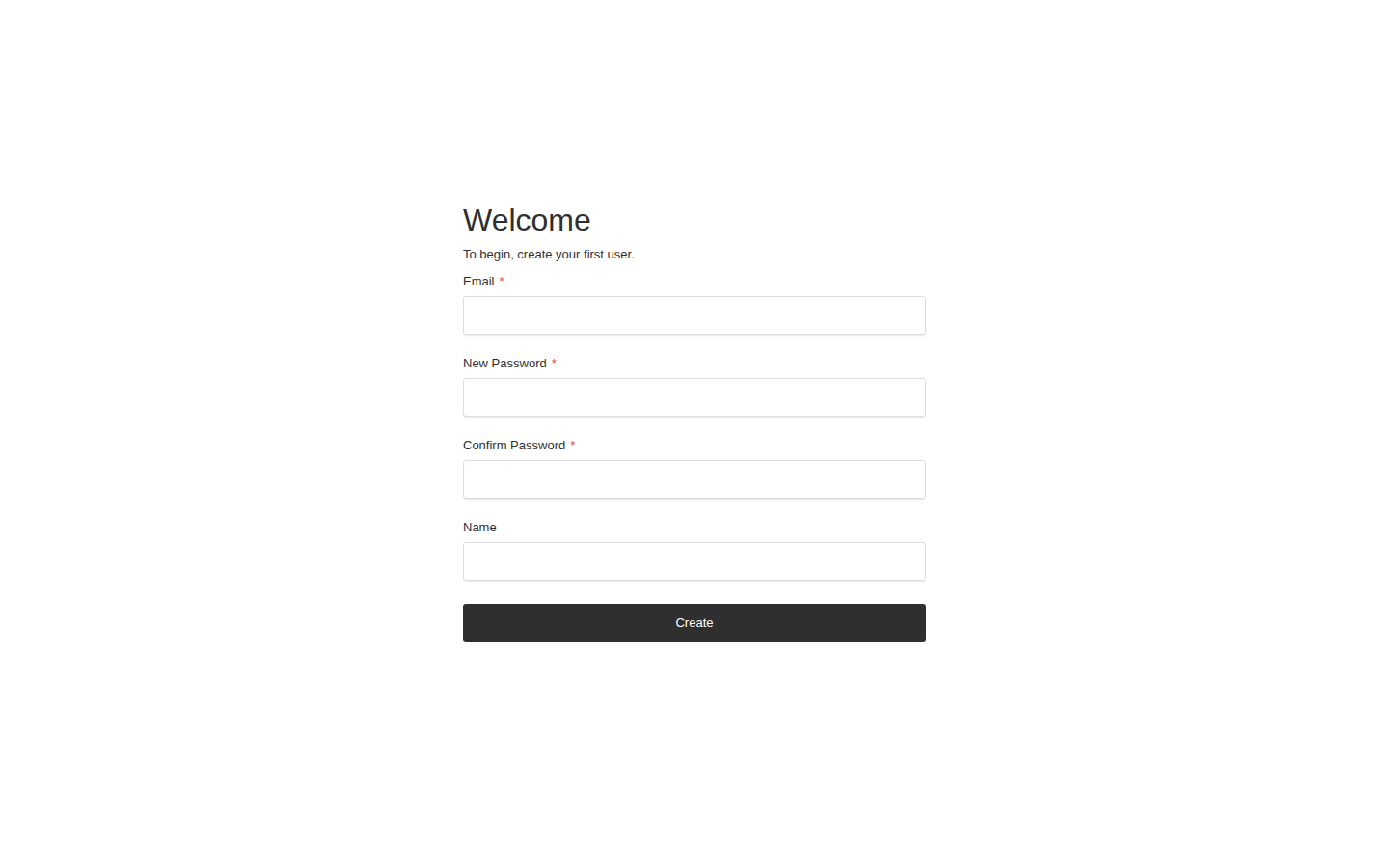
First run: create the first admin
There is no default password. The first screen creates the owner account; after that, sign-in goes through the branded login below.
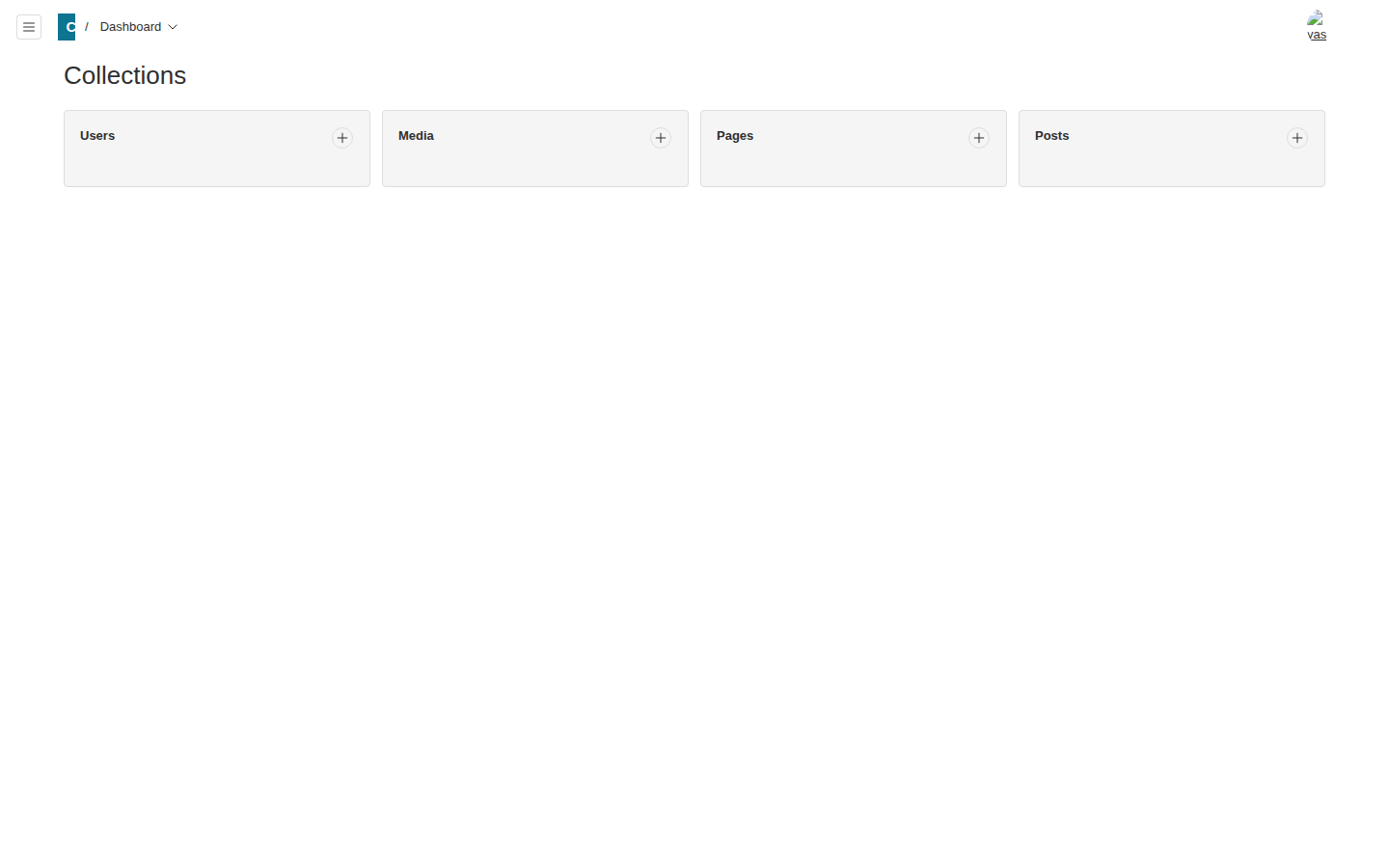
The branded admin dashboard
Signed in as the first admin: the ContentBase mark in the header and the four ready content types — Users, Media, Pages, Posts. Write in here and the starter site shows it right away.
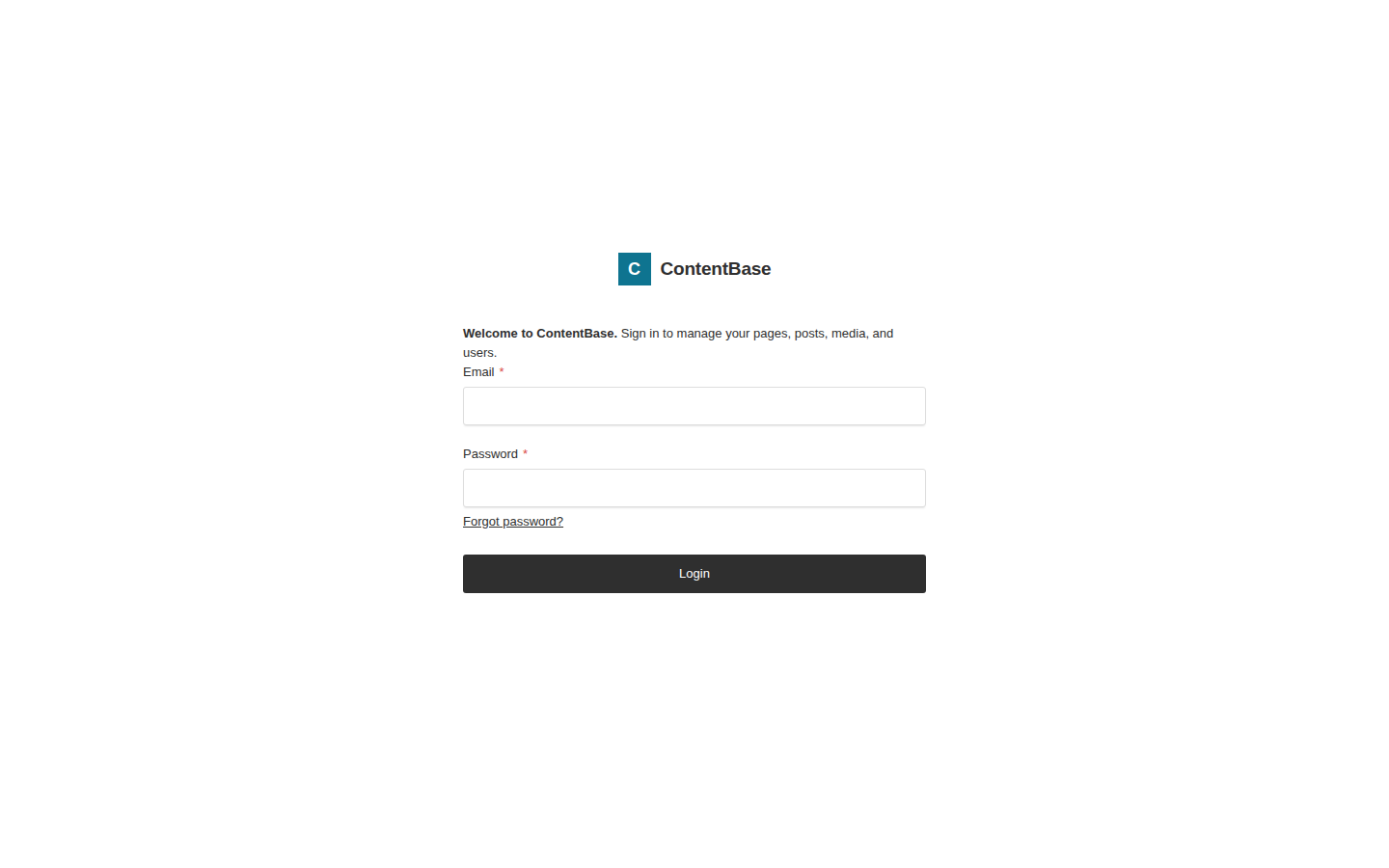
Sign in, branded
The login screen carries the ContentBase logo and its welcome line — the branding is part of the starter program itself, and the guides show buyers how to rename it to their own business.
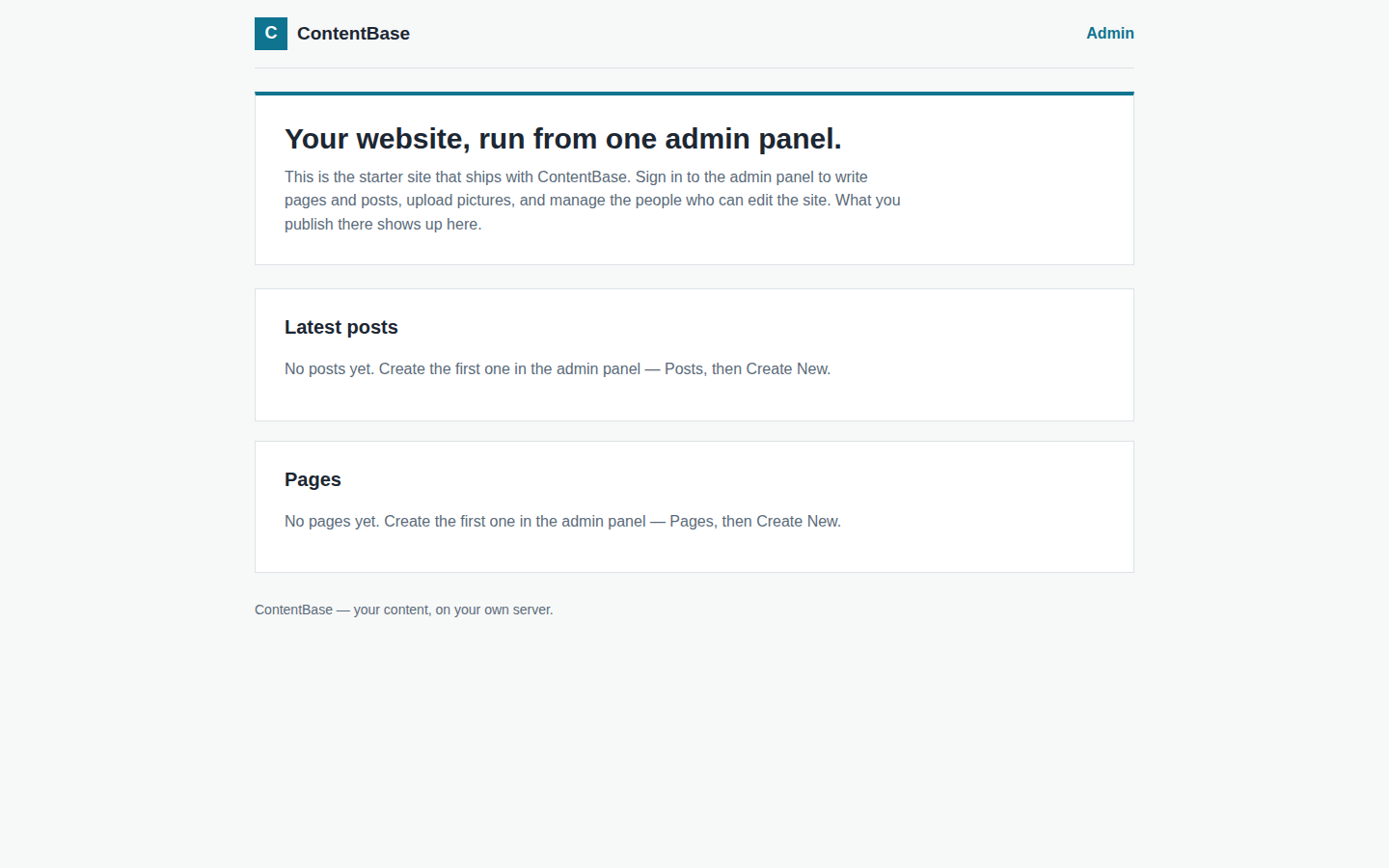
The starter site
The public side of the same install: a clean starter home page that lists your published posts and pages. Replace it with your own design whenever you are ready — the content stays put.
Booted and checked during packaging
Real lines from the packaging boot test: the production build compiled, the server came up, the site and admin answered 200, and the first-run screen carried the ContentBase Admin title.
  ✓ Compiled successfully in 67s
    ✓ Compiled successfully in 78s
    ✓ Ready in 277ms
  $ curl -s -o /dev/null -w '%{http_code}' http://localhost:3000/       -> 200
  $ curl -s -o /dev/null -w '%{http_code}' http://localhost:3000/admin  -> 200
  GET /admin redirected to /admin/create-first-user ("Welcome — To begin,
    /admin/create-first-user -> "ContentBase Admin | ContentBase".
  - The create-first-user screen itself carries the framework's default
  - Rendered visible text of /, /admin/create-first-user, /admin/login
  - 01-create-first-admin.png — the create-first-user screen.
What it does
- Four content types set up and ready: Pages, Posts, Media, and Users — write in the admin panel and the starter site shows it right away
- A branded admin panel: ContentBase name, logo, and sign-in welcome, ready to rename to your own business
- Rich text editing, image and PDF uploads with alt text, and your own user accounts — no default password
- The same content is readable through a built-in API, so a custom site or app can be built on top later
- Runs on your own computer or server with one Docker command — one payment, no monthly fee
- Version pinned in the package; backups are two documented commands, one per data volume