
Codester demo · Business software
CoreSuite — Low-Code Apps and CRM
Build the apps your business runs on — a CRM, a service desk, trackers, approvals — on your own server, with no coding and no monthly fee.
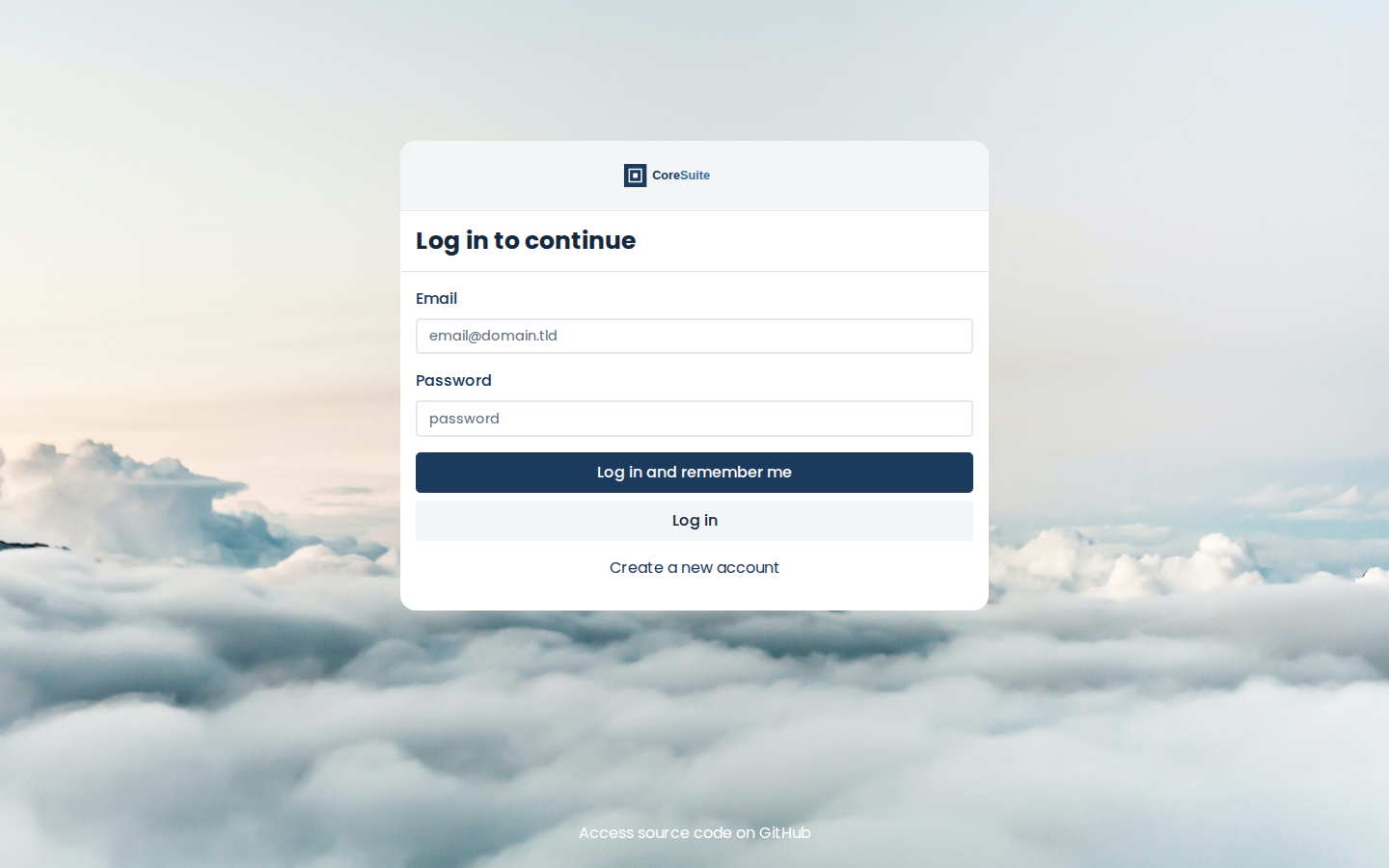
Sign in — already CoreSuite
The packaged program, booted locally during packaging with the install kit's first-boot settings applied. The sign-in card carries the CoreSuite logo and the navy button color out of the box — there is no default password; the first account created becomes the administrator.
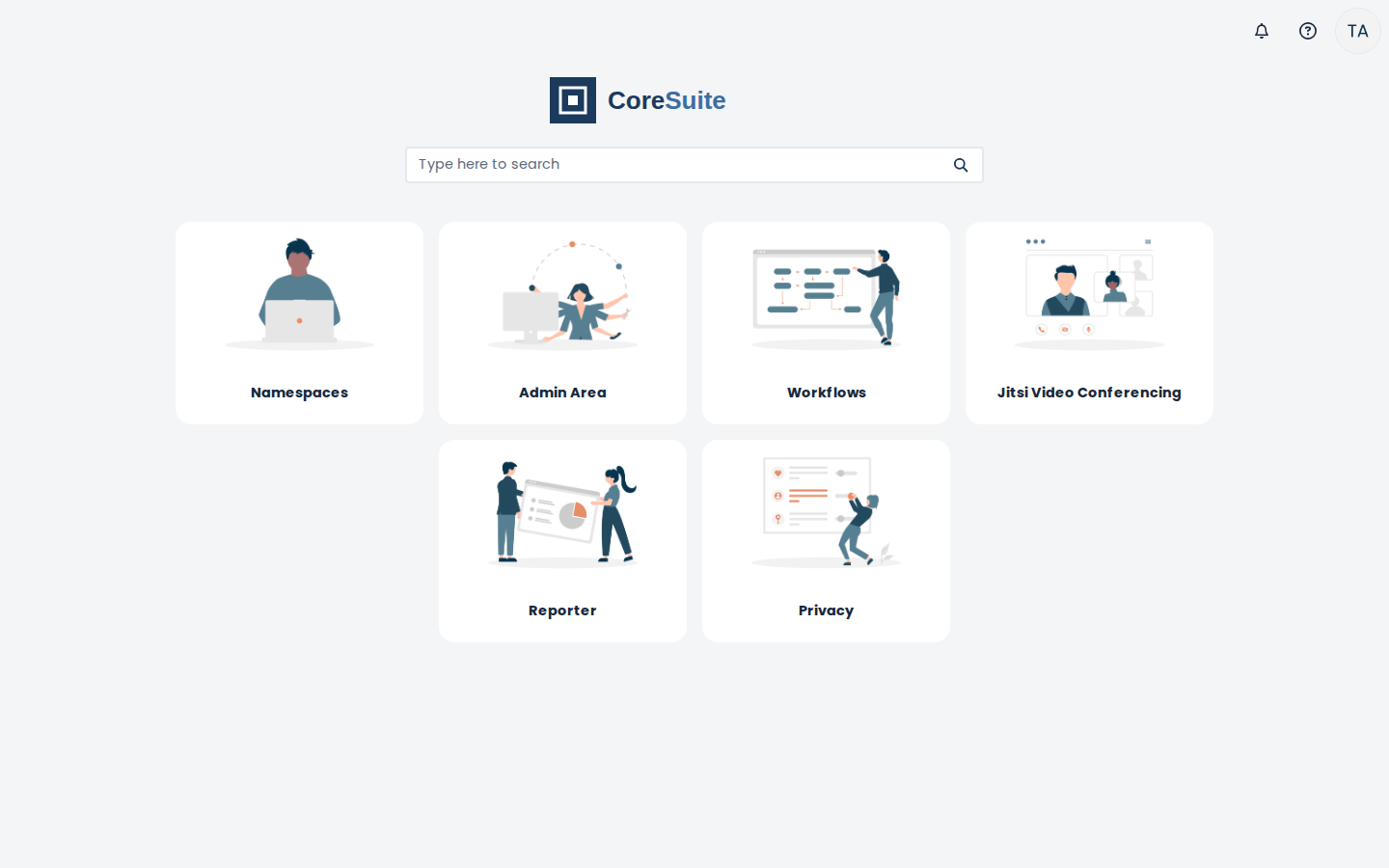
The app launcher
After sign-in: Namespaces (where you build apps), Admin Area, Workflows, Jitsi Video Conferencing, Reporter, and Privacy. The CoreSuite logo and wordmark sit at the top — the install sets them, and the branding guide shows buyers how to swap in their own business name and logo.
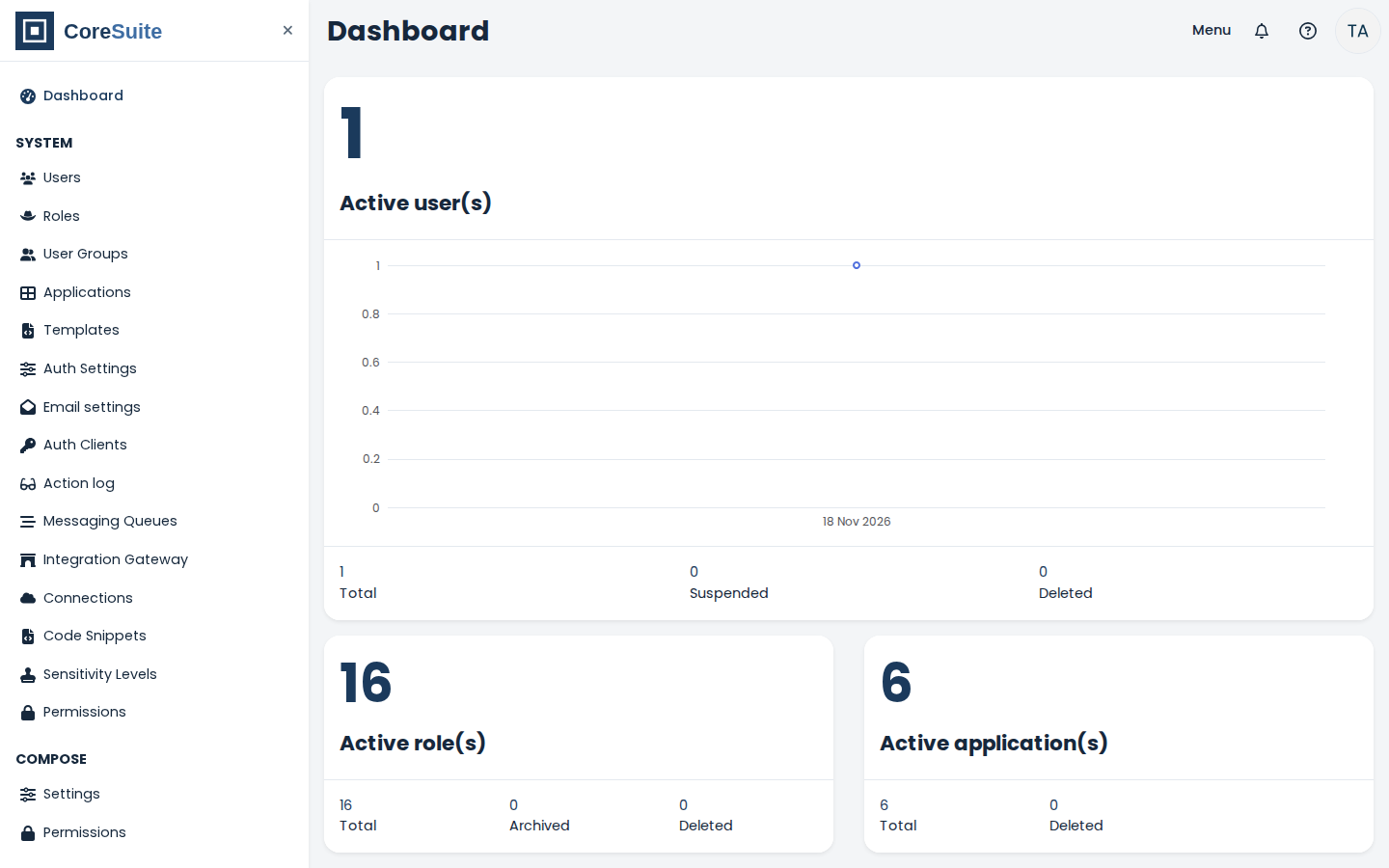
The Admin Area
Users, roles, applications, auth and email settings in one place. The dashboard shows the boot test's own numbers: the one test admin account, 16 roles, and the 6 active applications.
Booted and checked during packaging
Real lines from the packaging boot test: the pinned program answered on every app route, and the settings read back from its own database show the CoreSuite name on system email, the CoreSuite logos, the navy light theme, and navy email templates — all applied by the install, not by hand.
GET / -> 200
GET /auth -> 303 (redirect to /auth/login)
GET /auth/login -> 200
/ -> <title>One</title>
/admin -> <title>Admin Area</title>
/compose -> <title>Namespaces</title>
/reporter -> <title>Reporter</title>
/workflow -> <title>Workflows</title>
/privacy -> <title>Privacy</title>
 auth.mail.from-name           | "CoreSuite"
 ui.main-logo                  | "/assets/logo.svg"
 mail logo set: true
 light theme (from ui.studio.themes): primary #1B3A5C, black #16283C, secondary #5B6B7B — the kit values, applied by provisioning
 5 email content templates use navy, 0 use the old orange
What it does
- Build apps from data tables and page blocks — lists, record pages, dashboards with charts — no coding
- Start from the included guides: a CRM with a pipeline page, a service desk with a ticket queue, and a requests-and-approvals tracker
- Workflows move the work along: notify the owner when a deal is won, remind the team about stale tickets, run approvals
- Users, roles, and per-app permissions decide who sees and changes what
- Ships already branded CoreSuite — name, logo, navy theme, email sender name — and the branding guide shows how to make it your own business
- Runs on your own computer or server with Docker — one payment, no monthly fee, your data stays in two volumes on your machine