
Codester demo · Business software
OwnStore — Online Store Platform
Your own online store, on your own hosting. No monthly platform fee.
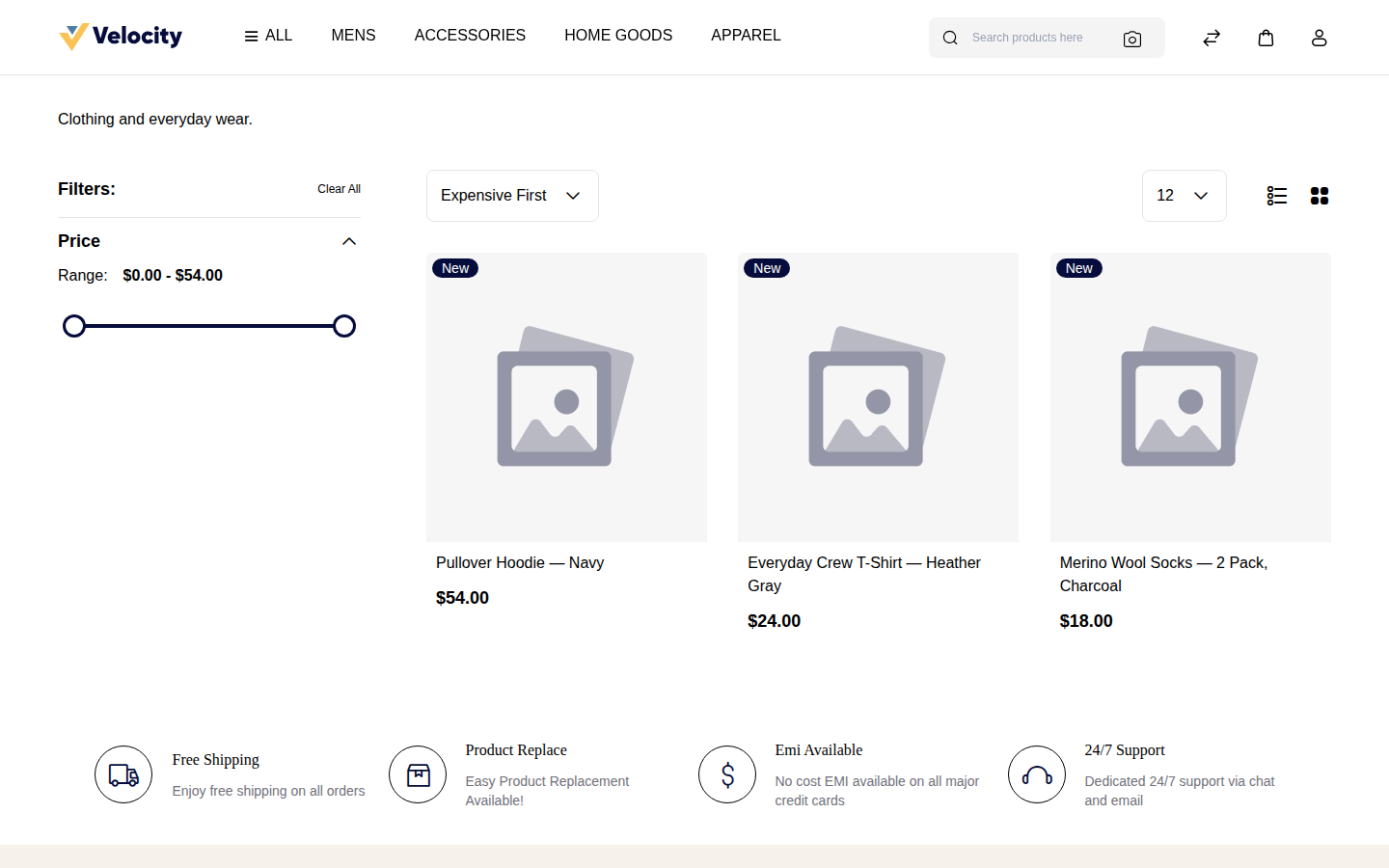
A working store, stocked from the sample catalog
During packaging, the store was installed for real and the included sample catalog — 10 fictional products from a made-up brand, Hartwell Supply Co. — was imported through the admin. This is the storefront category page afterwards: real products, real prices, add-to-cart working.
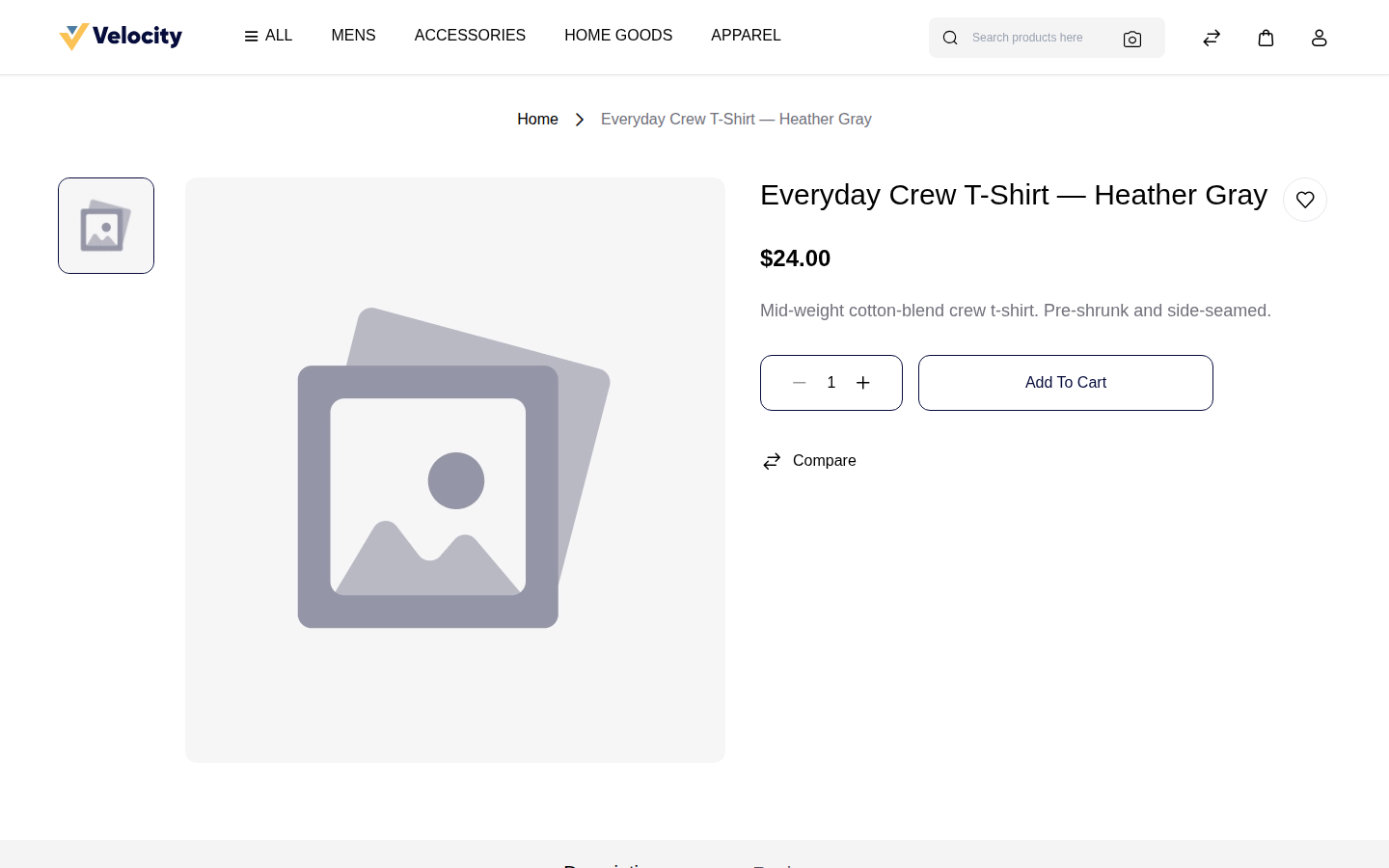
A product page
Price, options, add to cart — the full product page from the same test store.
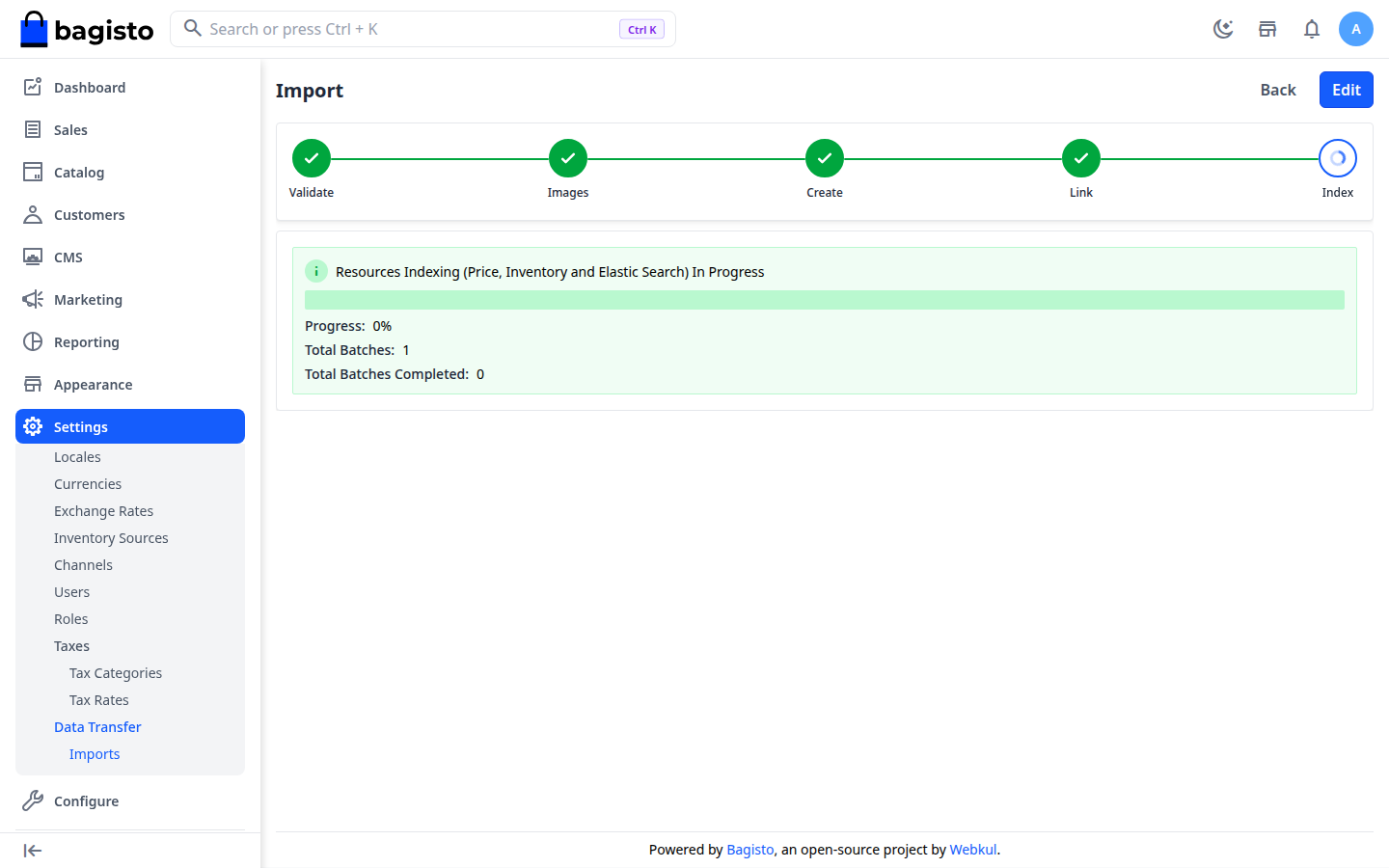
The import, finished
The admin screen at the end of the sample-catalog import: 10 products created, 0 errors. (The import links products to categories by name — the demo guide has the buyer create the three categories first, a step the packaging test caught and the guide now states up front.)
How it was tested
The packaging test installed the pinned store software from the exact production image the install kit names, on this machine, with the package's own settings.
Storefront answered HTTP 200 with the real shop pages; the admin signed in; the sample catalog went in through the admin's own import screen (first pass exposed the category step above — fixed in the guide and re-run clean: 10 updated, category pages listing the products with prices, product page answering 200). What was not tested: the shared-hosting install route end to end (this sandbox has no PHP 8.4 host — the platform needs PHP 8.4, the sandbox ships 8.3, which is exactly why the Docker route was used for the test), live card payments, and mail sending. The guides state the hosting requirements plainly.
What it does
- Full store built in: products, categories, cart, checkout, orders, invoices, and customer accounts in one install
- US-ready presets: dollars, US English, US addresses, starter tax and shipping settings with the exact admin steps
- Start taking orders with no paid service: Cash on Delivery and Money Transfer are built in; add your own Stripe or PayPal account later for cards
- Sample catalog included: 10 fictional products you import in minutes to see a working store, then delete
- Storefront style sheet in OwnStore colors — white store, brick-red buttons, square corners — applied from the admin, no theme files edited
- Two install routes: normal PHP hosting with a browser installer, or one Docker command for a ready-made store