Codester demo · Business software
SupportSuite — Customer Support Inbox
Website chat, a shared team inbox, and a help center in one program you run on your own server — no per-agent monthly fee.
First run: set up your desk
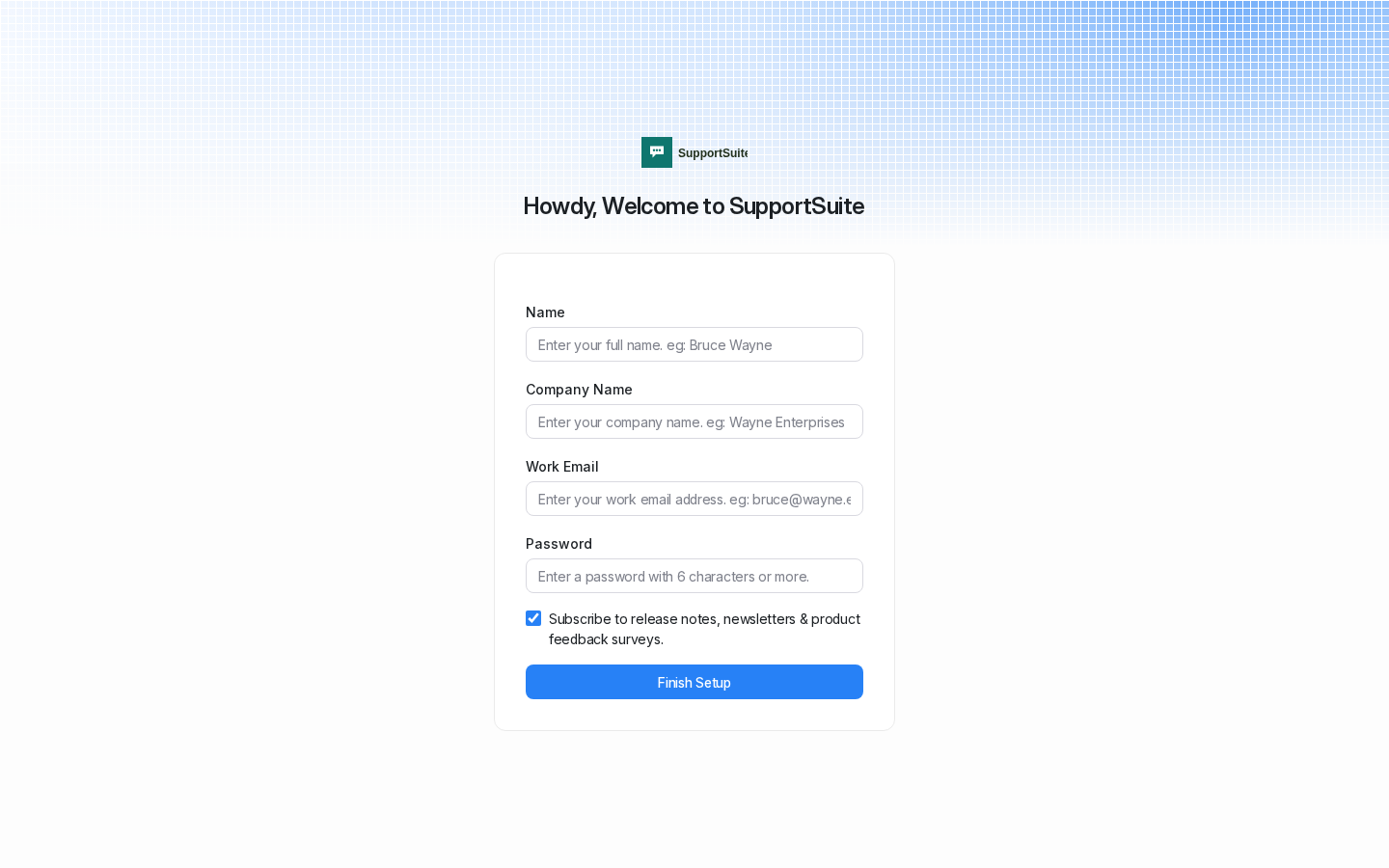
The packaged program, booted locally during packaging. The first screen creates the owner account and the company in one step — and it already carries the SupportSuite name and mark, because the branding is part of the install, not an afterthought.
Sign in
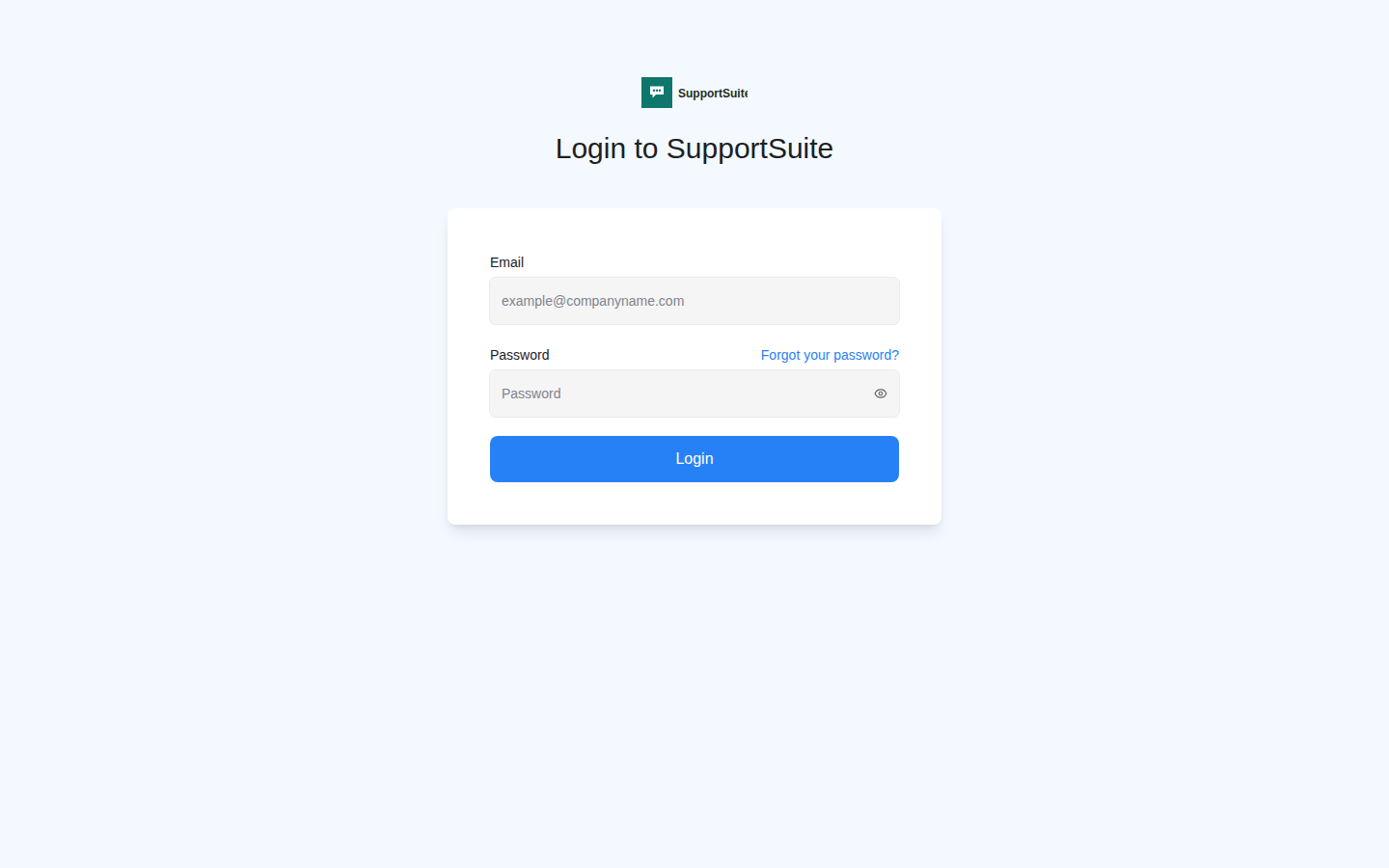
The agent sign-in screen after setup. The name at the top and the logo both come from the installation settings the install script sets, so a buyer can swap in their own business name the same way.
Inside: account setup
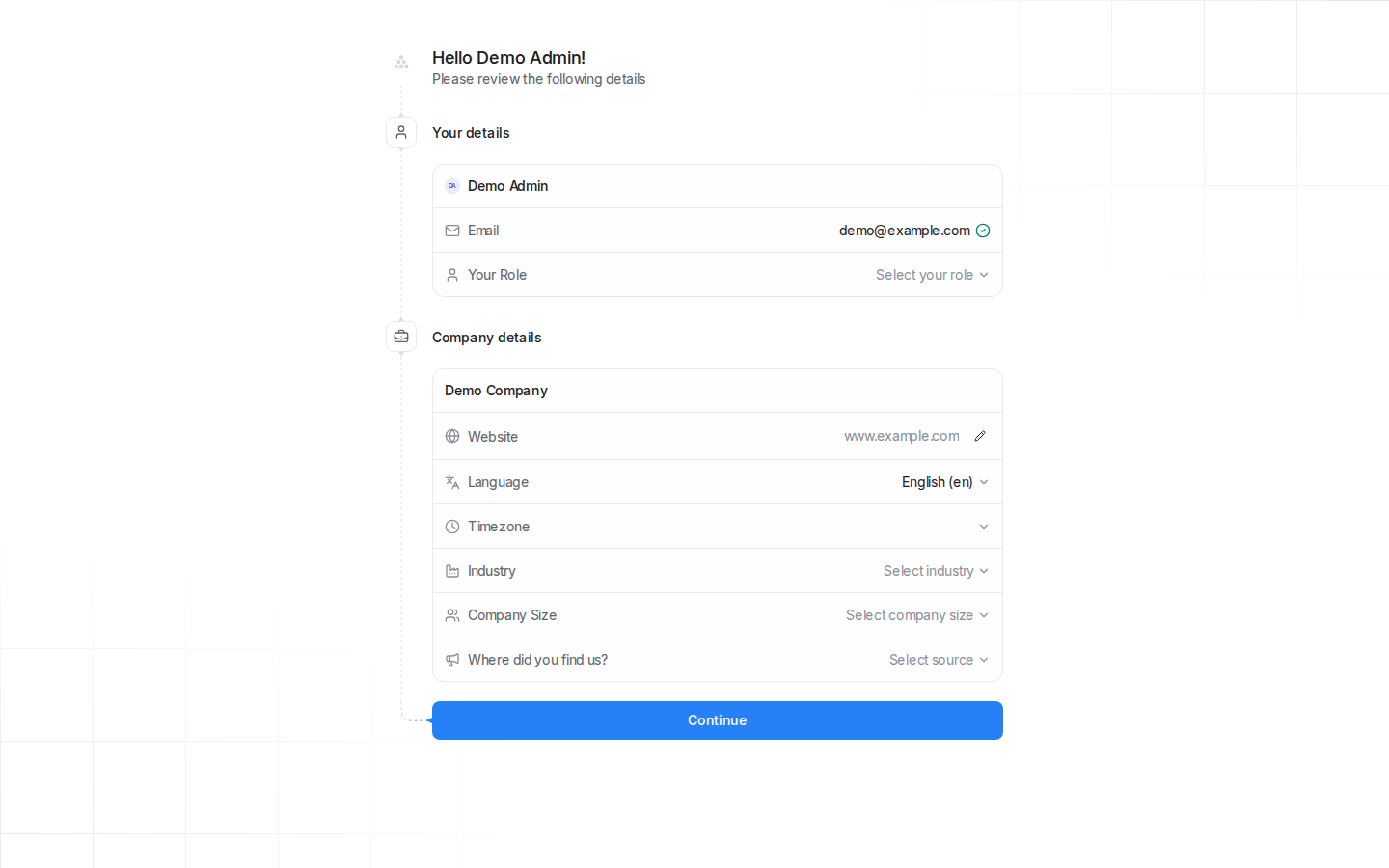
Signed in with the throwaway test account created during the boot test. The first thing a new owner sees is a short setup checklist — your details, your company, then channels. The page title is SupportSuite throughout.
Booted and checked during packaging
Real lines from the packaging boot test: the four containers came up, the database prepare step built 112 tables, the shipped branding script set the SupportSuite name and links (read back from the database), the root URL answered with the setup redirect (302) on a fresh install and the health endpoint answered 200, and the setup page itself contained zero mentions of the program's original name. One honest note: the packaging sandbox blocks the outbound DNS check the setup form runs, so the test account was created through the account builder's own remaining steps — on a normal server the form completes as designed.
Containers (podman ps):
ss-db Up 14 minutes
ss-redis Up 14 minutes
ss-web Up 12 minutes
ss-worker Up 12 minutes
public tables: 112, installation_configs rows: 128 (counted via sidecar psql)
DB check: INSTALLATION_NAME=SupportSuite, BRAND_NAME=SupportSuite, DISPLAY_MANIFEST=false
GET / -> 302 redirect to /installation/onboarding (fresh install, before the test account existed)
GET / -> 200 (after the test account was created; onboarding complete)
GET /api -> 200 (the deployment docs' own health check)
title: SuperAdmin | SupportSuite
heading: Howdy, Welcome to SupportSuite
upstream-name hits on setup page: 0
GET / -> /installation/onboarding, title 'SuperAdmin | SupportSuite' — screenshot 01
What it does
- Website live chat, a shared email inbox, and a help center in one program
- Automations, macros, and canned responses included — the busywork rules a support team sets up once
- Runs on your own computer or server with Docker — one payment, no per-agent monthly fee
- Branding set during install: your customers see your name on the widget, the emails, and the help center
- Backs up to three data volumes you control; the version is pinned so updates happen when you choose